
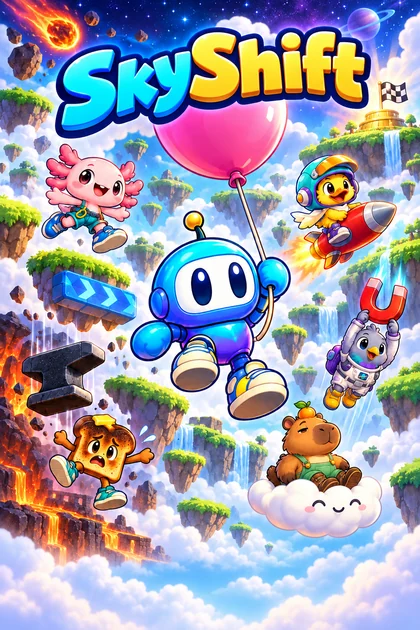
SkyShift. Your viewers decide the climb.
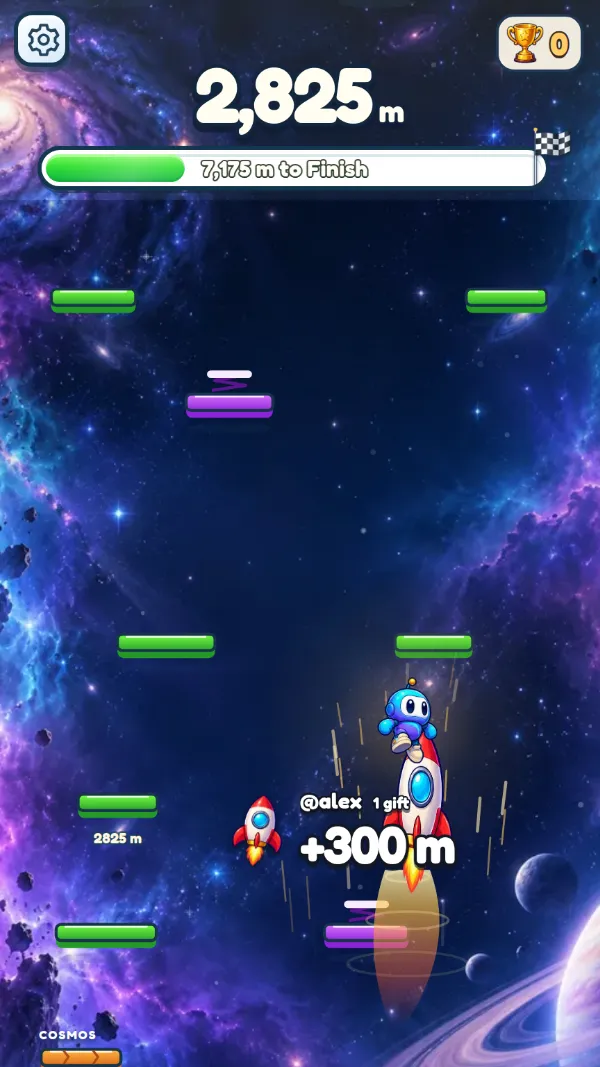
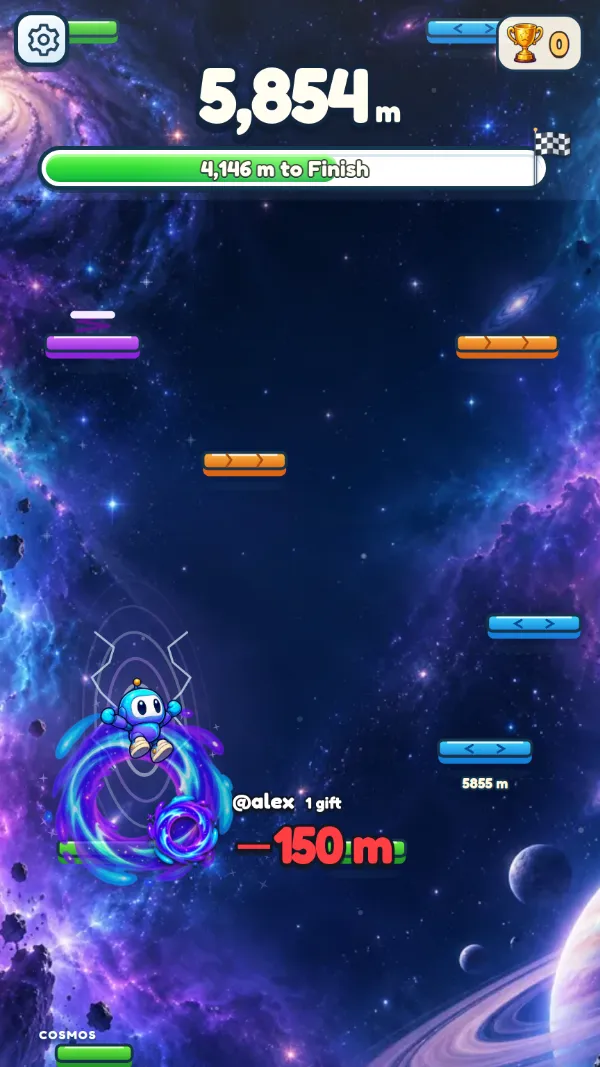
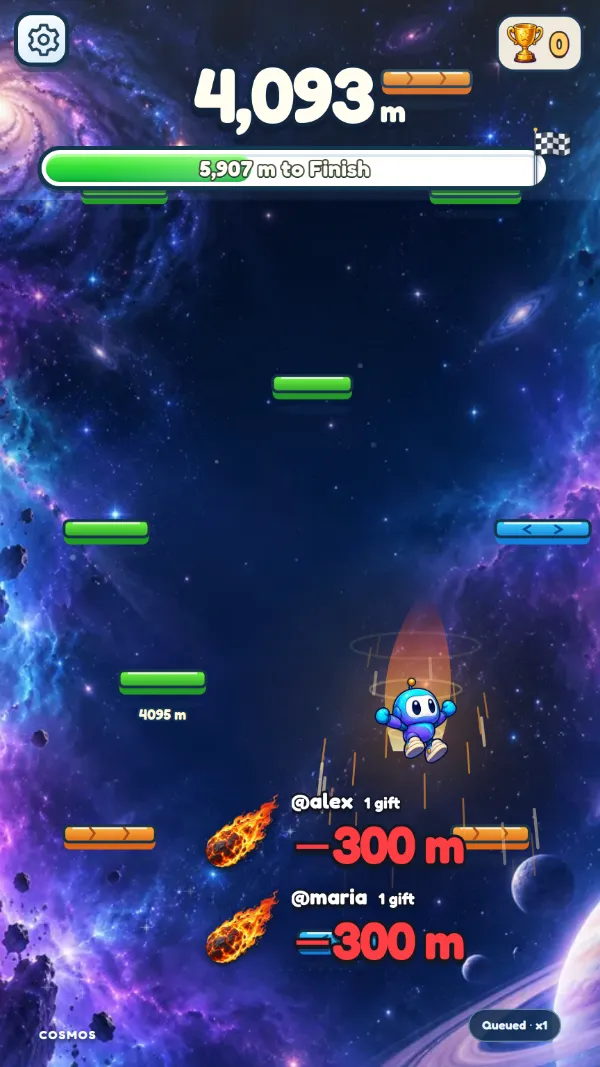
A climbing game for TikTok LIVE. Your climber heads for the finish at 10,000 meters, and every gift, like and follow from your viewers pushes it up or knocks it down. Free to start, on Windows or in your browser.
 Live now
A race, or a climb without end
Pick the mode that fits your LIVE, and switch between rounds to keep it fresh.
-

Race to the finish
Reach the finish for a trophy ceremony: short, normal or long rounds (2,000, 5,000 or 10,000 m), or your own length. Turn on the losing line and a fall too far costs a trophy.
-

Endless climb
Turn the finish off and see how high your audience can carry you.
-
MVP at the end
Each round ends with the top gifters and the biggest saboteur on screen, for about 5 seconds.
11 effects, ready on the first LIVE
These are the gifts each effect uses when you start. Change any of them in the app, or add likes, follows and chat words.
Your climber, your look
Catch coins on the platforms and spend them in the Shop on characters, colors, hats and trails. Your look is kept with your account, in the browser and in the Windows app, and shows in your overlay too.
- Viewer names show on every effect, so supporters see their gift land.
- A slim line under the finish bar shows the top gifter and the saboteur during the round.
- If the game reloads, it continues exactly where it was. Go LIVE again within 2 hours and the run carries on.
- Before you play, meet other creators in the SkyShift lobby, a neon arcade on two floors.
- Test gifts never count toward leaderboards or your stats.
About SkyShift
Is SkyShift free?
Yes. A free LiveArcadeHub account plays SkyShift with every effect and 3 custom gift rules. Arcade Pass gives 10 custom rules and auto-steer.
Can I change which gift does what?
Yes. The default rules work the moment you open the game, and in the app's Actions you can link any TikTok gift, likes, follows, shares or a chat word to any effect, and test each one before you go LIVE.
Does SkyShift work with TikTok LIVE Studio and OBS?
Yes. The game opens in its own window that you add as a Window capture in TikTok LIVE Studio or OBS, at any size or shape. The guide shows each step.
What happens if the game reloads during a LIVE?
The server keeps a checkpoint of the run, so after a reload the game continues exactly where it was, with the same height, trophies and top gifters.