Starter
$0
- All free games
- 3 gift rules of your own per game
- Overlay with 6 widgets
- 3 sounds of your own

English (US)
More languages are coming soon.
LiveArcadeHub turns your TikTok LIVE into a game: gifts, likes and comments become moves on screen.
Hi, I'm Bit! Pick a game, link it to TikTok gifts, and go LIVE.
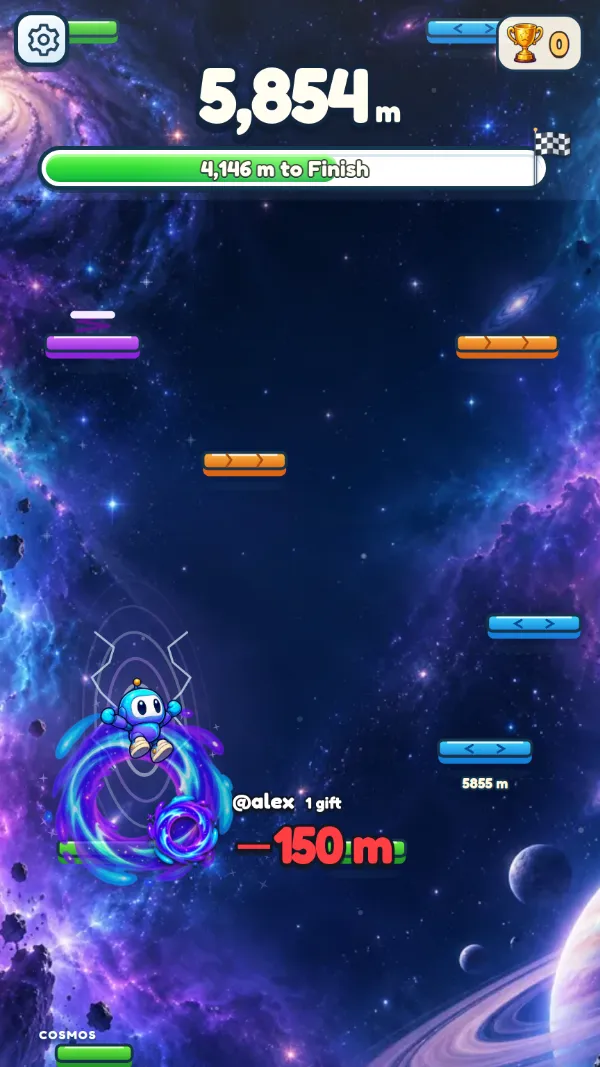
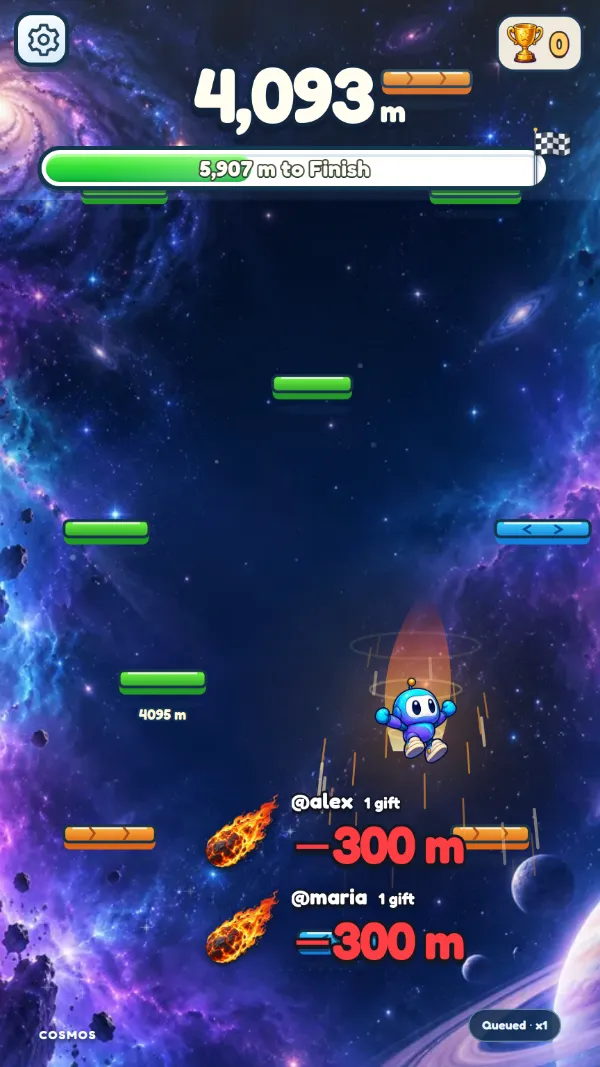
 SkyShift11 gift effects
Live now
SkyShift11 gift effects
Live now
Every gift, like and comment sent during a LiveArcadeHub game adds to the all-time score.
—interactions from LIVE audiences
Set it up once in the app, try every gift, then go LIVE. Next time it is one click.
Open the app on Windows or in your browser and choose a game made for LIVE.
Decide what each gift does and press ▶ Test to see it in the game.
One Window capture for the game, with your overlay inside it if you like.
Type your TikTok ID once. The app connects by itself every time you go LIVE.
The same app on Windows and in your browser, with one account.
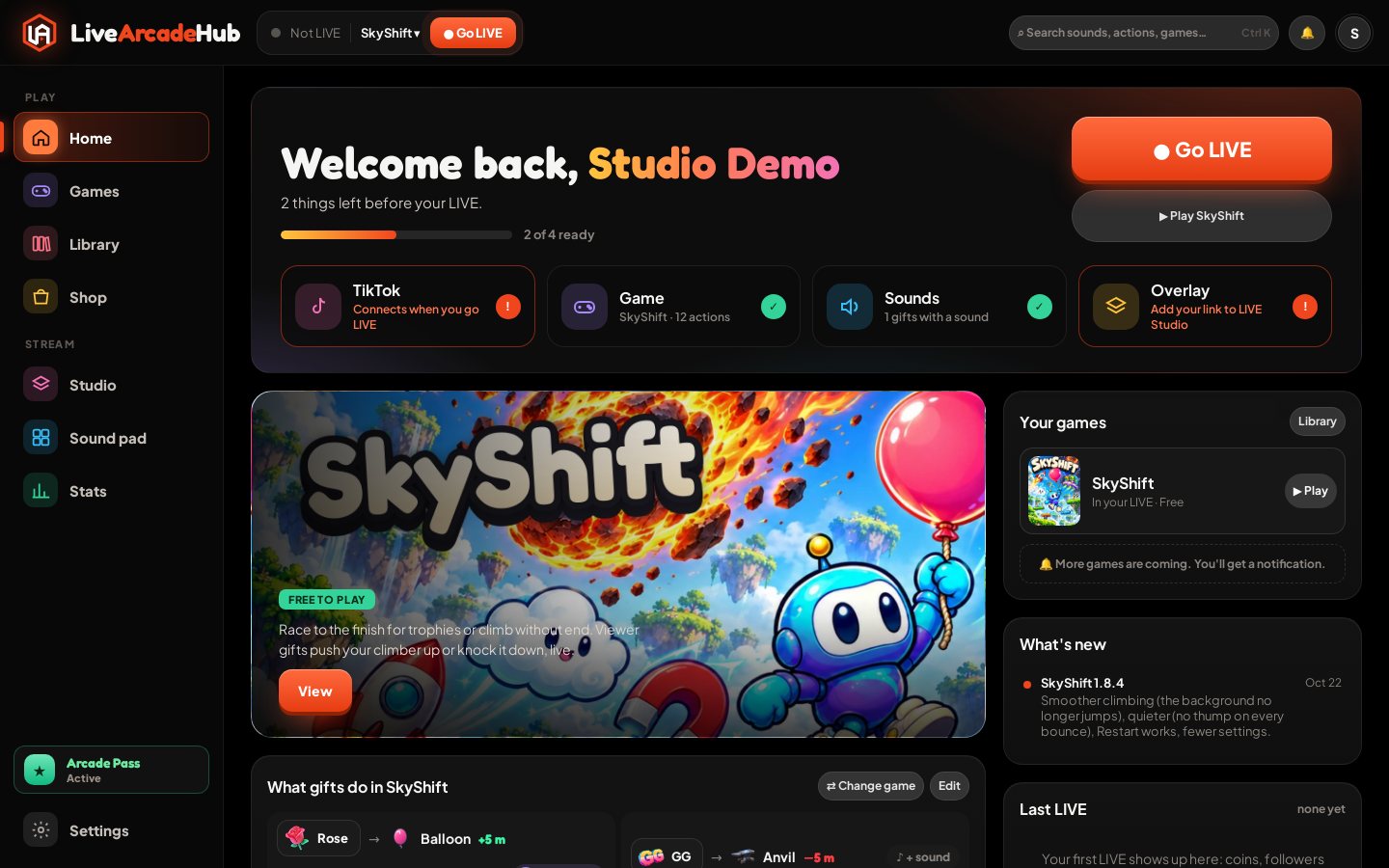
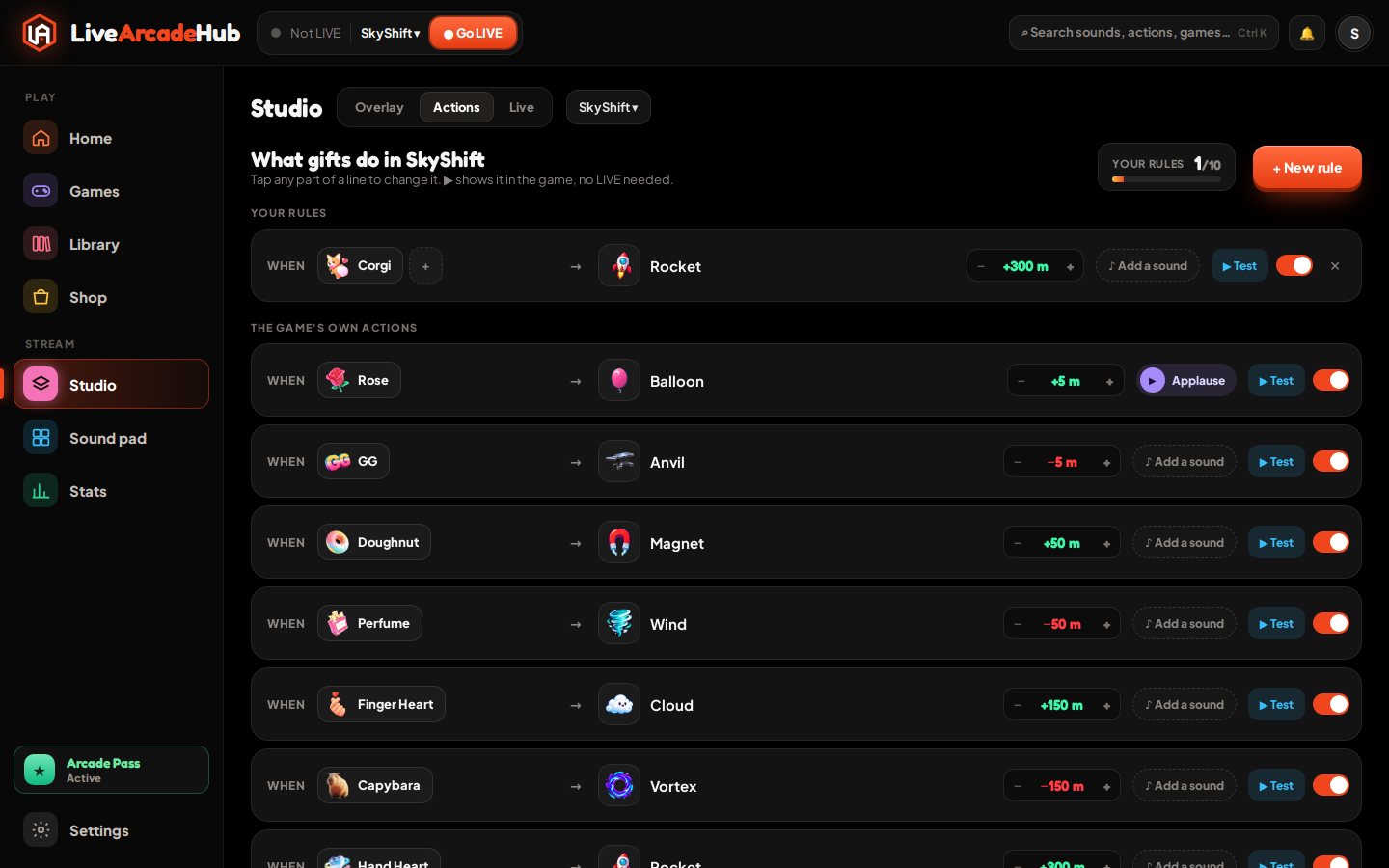
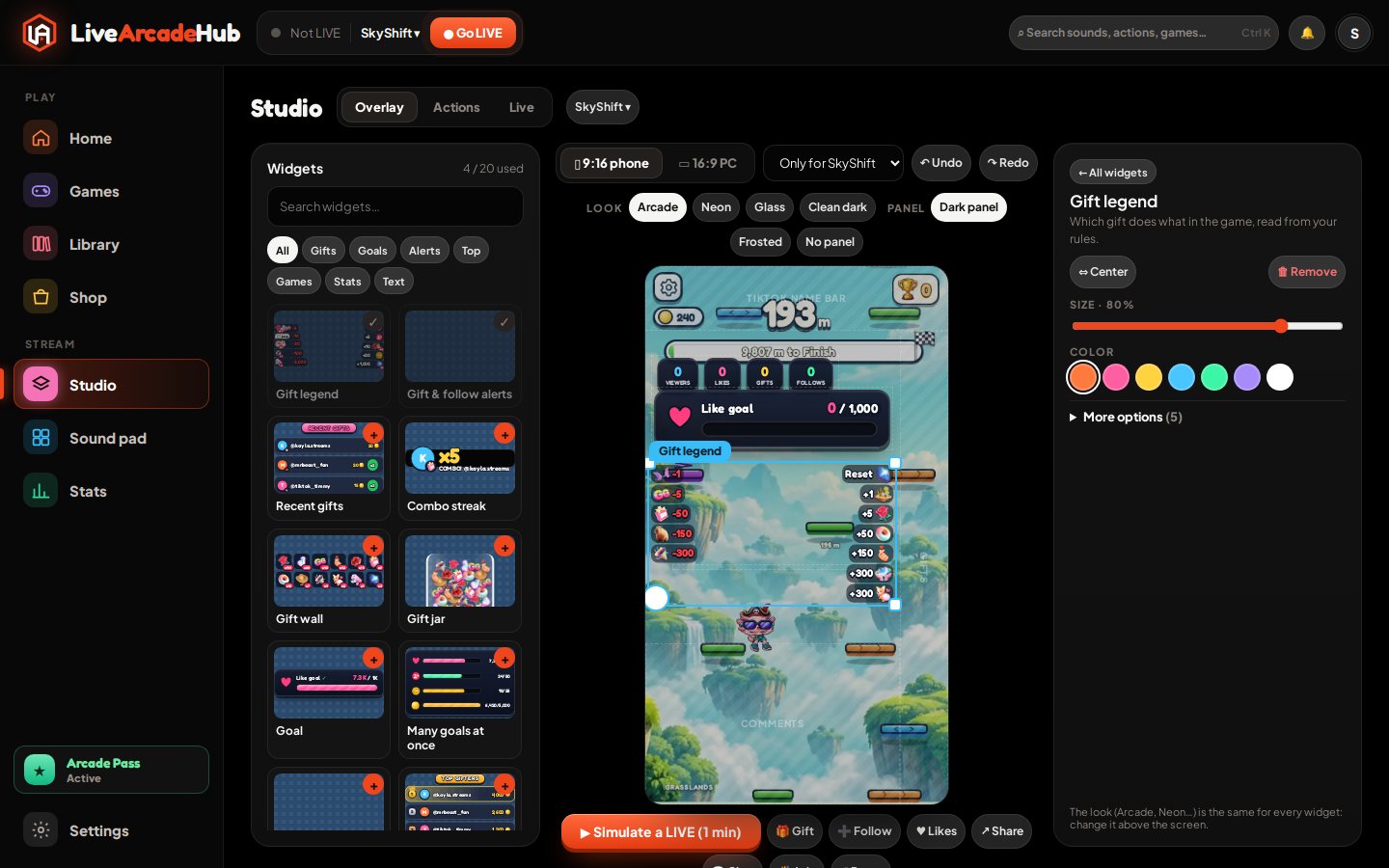
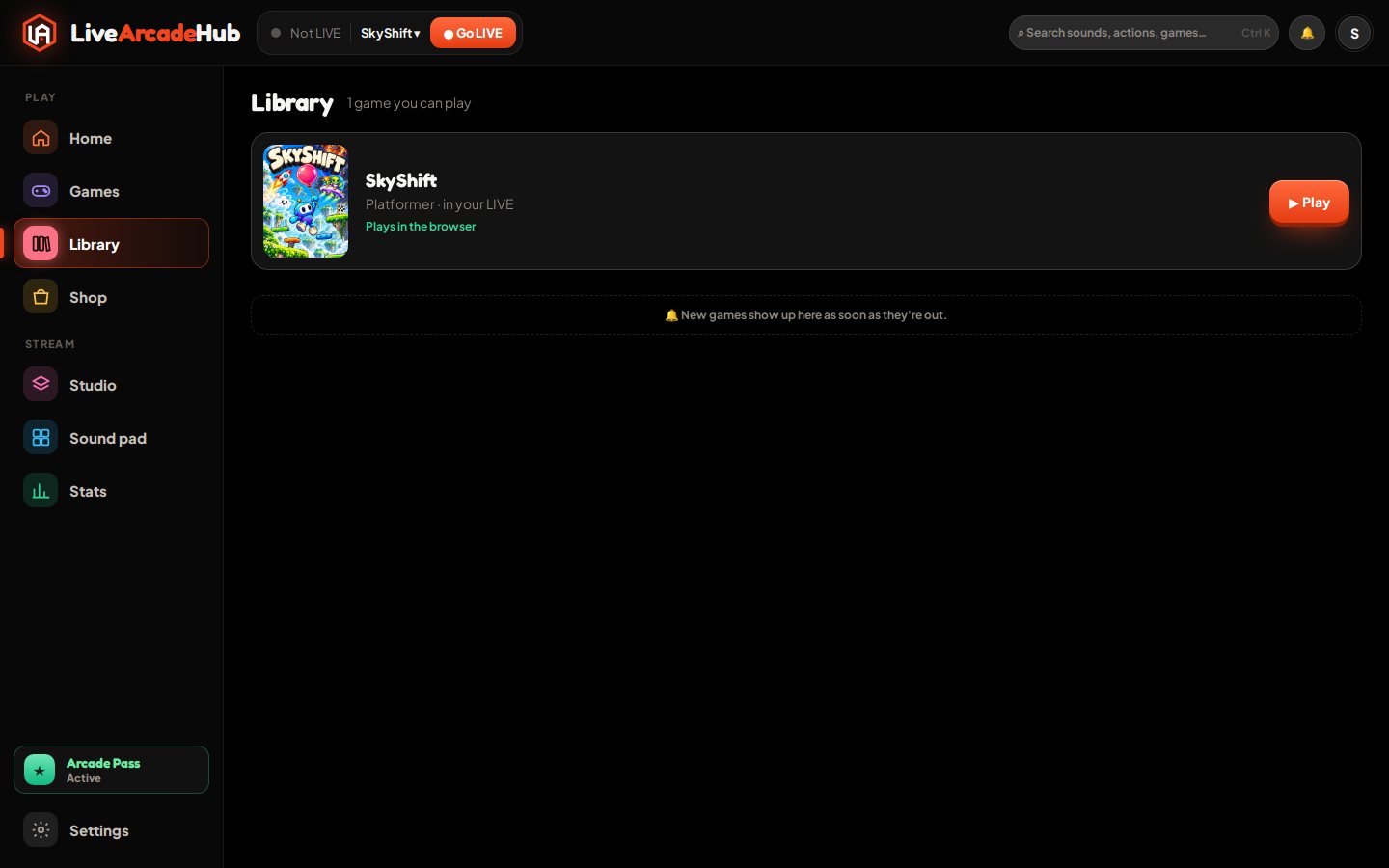
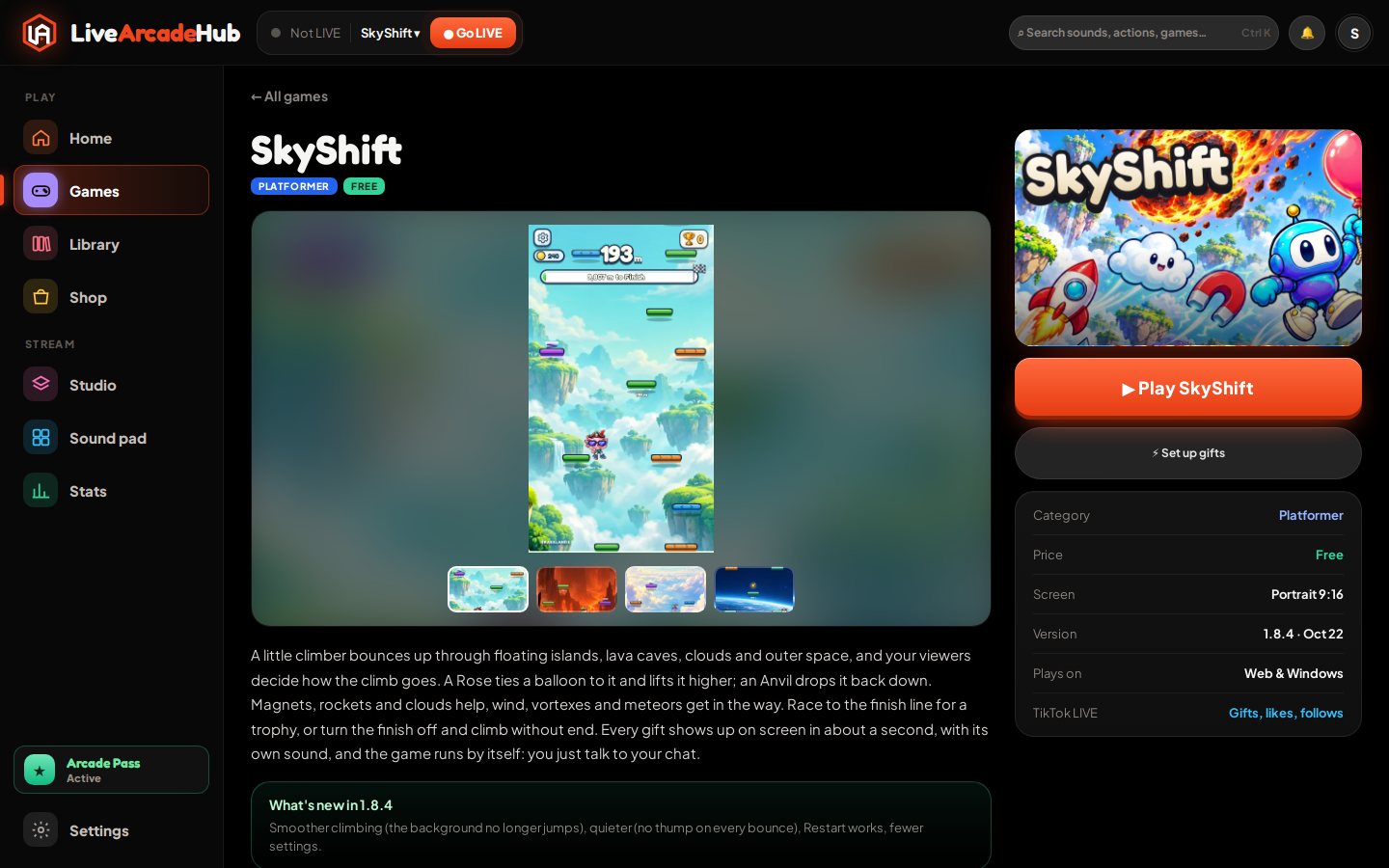
Your games, rules and overlay follow your account wherever you open it.
Games install once and open in their own window for LIVE Studio. Updates arrive by themselves.
Download for Windows →Nothing to install. Play, set your gifts and build your overlay from any computer.
Open the app →Check your setup, change a gift or your overlay from your phone, even during a LIVE.
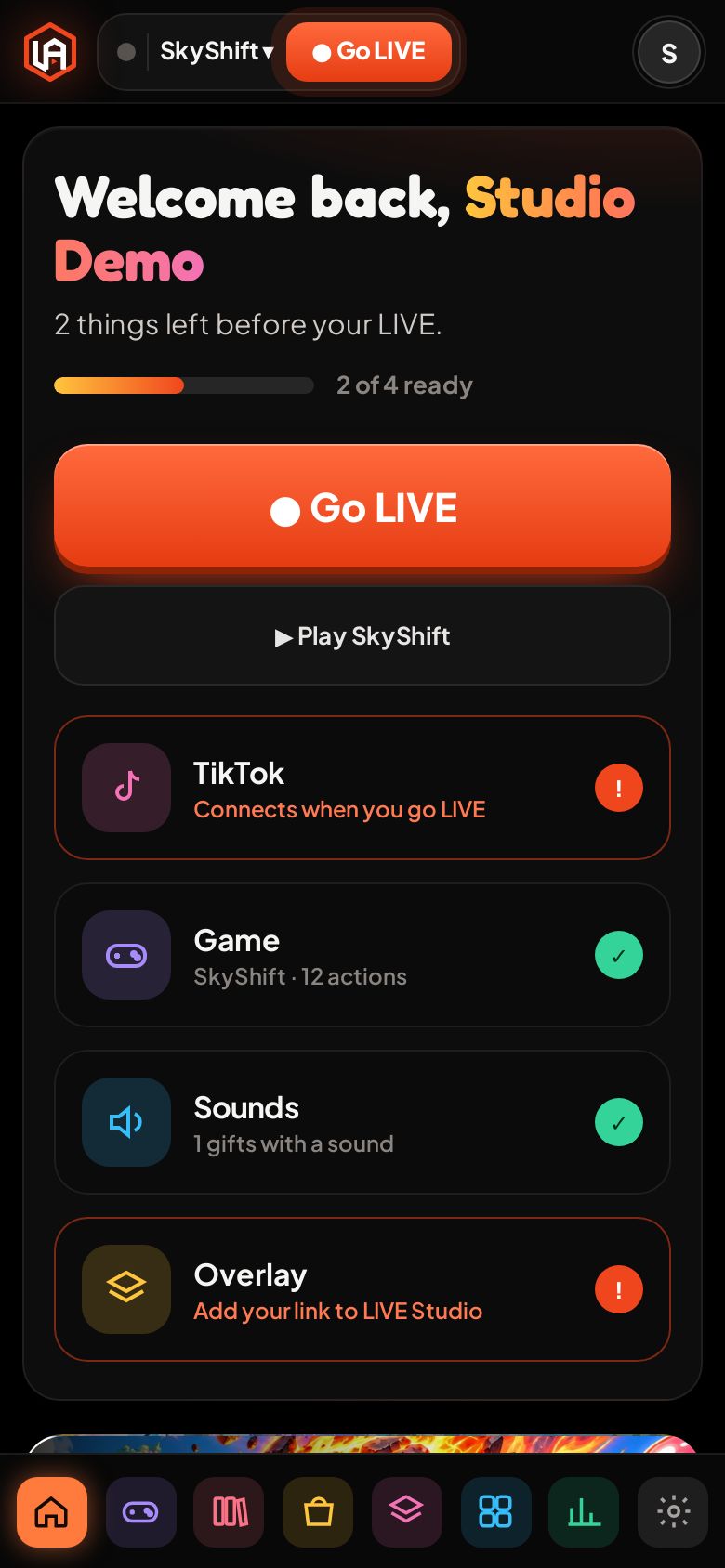
11 effects, each one ready to link to the TikTok gifts you choose.
 Balloon
 Anvil
Anvil Magnet
 Wind
Wind Cloud
Cloud Vortex
 Rocket
 Meteor
 Reset
Reset Trophy ceremony
 Trophy theft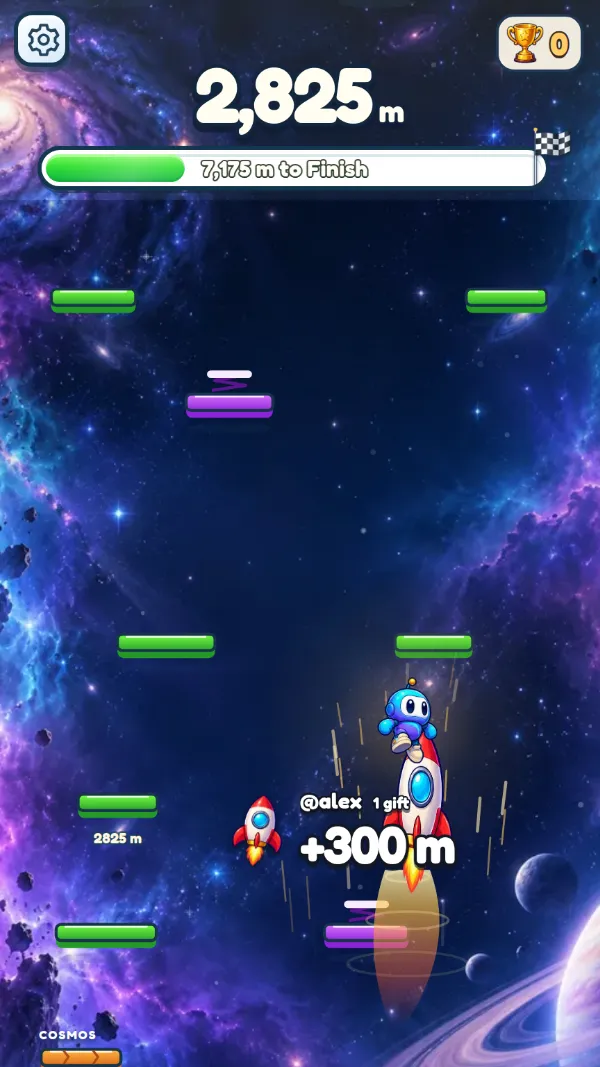
Free has every game action and 3 rules of your own. Arcade Pass gives you every game and far more room. Cancel any time.
$0
$9.99/ month
Get help with your setup, swap gift ideas, share your best LIVE moments and hear about new games before anyone else.